ModKor Admin Navigation for Magento 2 & Hyva

- SKU
- AdminNavigator
- Magento 2.4.8+ (Community Edition)
- Hyva 1.4.6+ (License required)
- Php 8.4+
- Node 20+
Work a whole batch of records without ever returning to the grid.
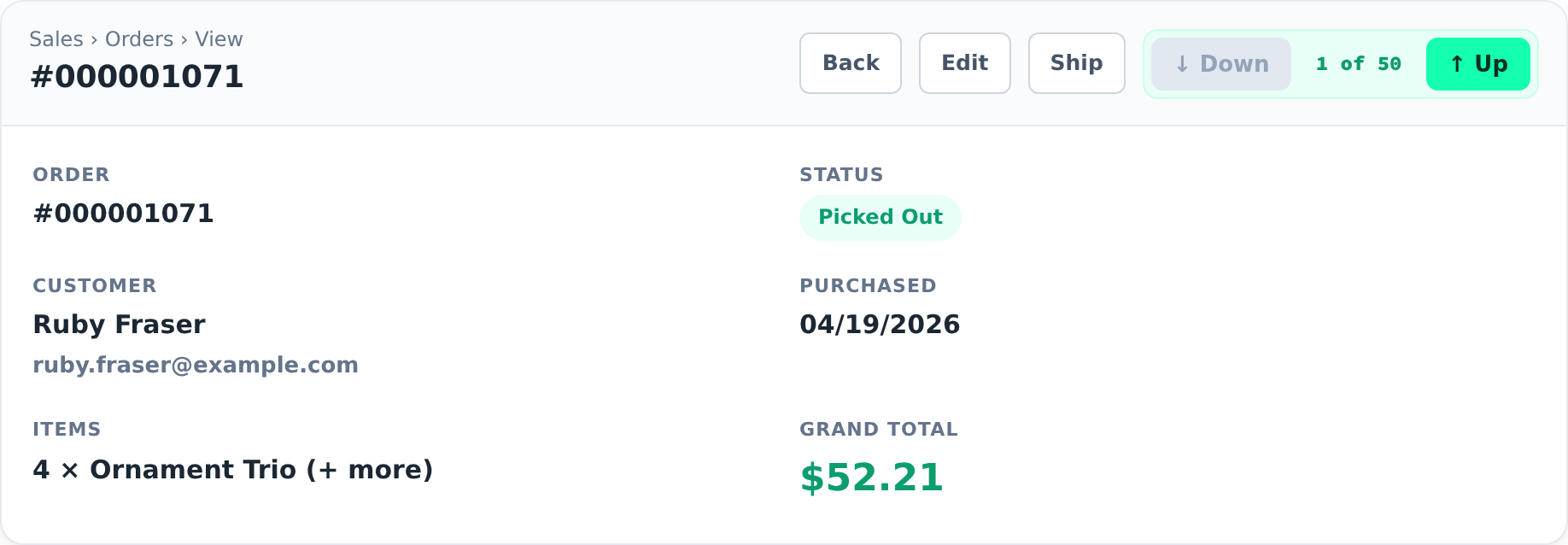
Your team opens an order, does the work, clicks Back, hunts for the next one, opens it, repeats — hundreds of times a day. ModKor Admin Navigator collapses that into one click. It adds Previous and Next buttons right in the toolbar of every Order, Product and Customer edit page, plus a live “3 of 50” position chip so staff always know where they are.
The killer feature: it follows your filter and sort
This isn't a dumb “next by ID” button. Navigation uses the grid exactly as you left it — same columns, same order, same filters. So the workflow you already wanted just works:
- 100 orders came in, 50 are picked and ready to ship. Filter the Orders grid by your Picked Out status, open the first one, and press Next — you walk only those 50, in order, until the button greys out. The batch is done.
- Sort Products by name, price or date and step through in that order.
- Filter Customers by group and move through just that segment.
Navigate within a status — right from the order page
- The position chip is a dropdown listing every status with a live count — All orders · Complete · Pending · Personalized…
- Pick one to jump into that set and walk only those orders — no need to return to the grid to re-filter.
- The chip always shows the current status and position, so you never lose your place.
Yours to brand
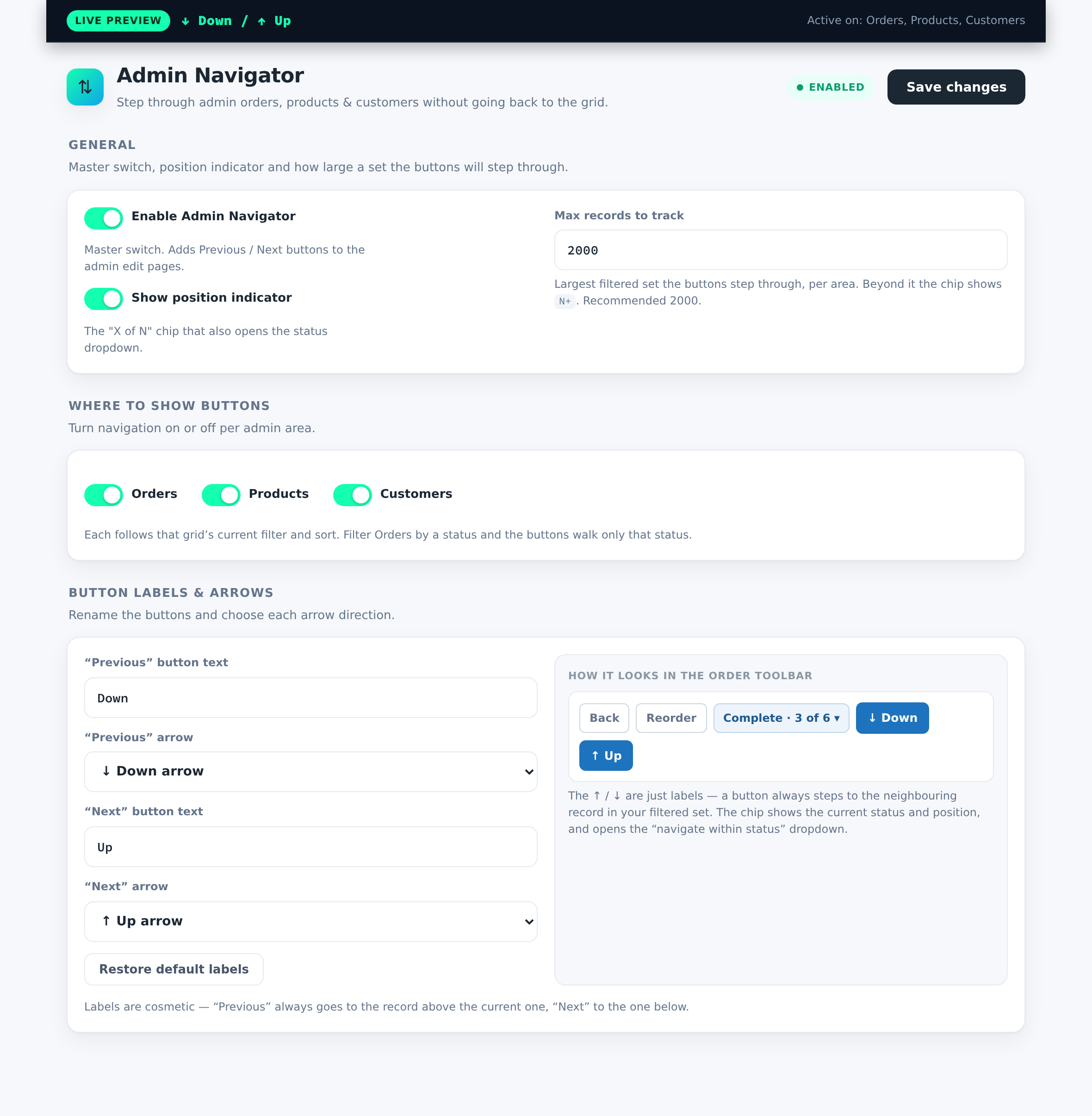
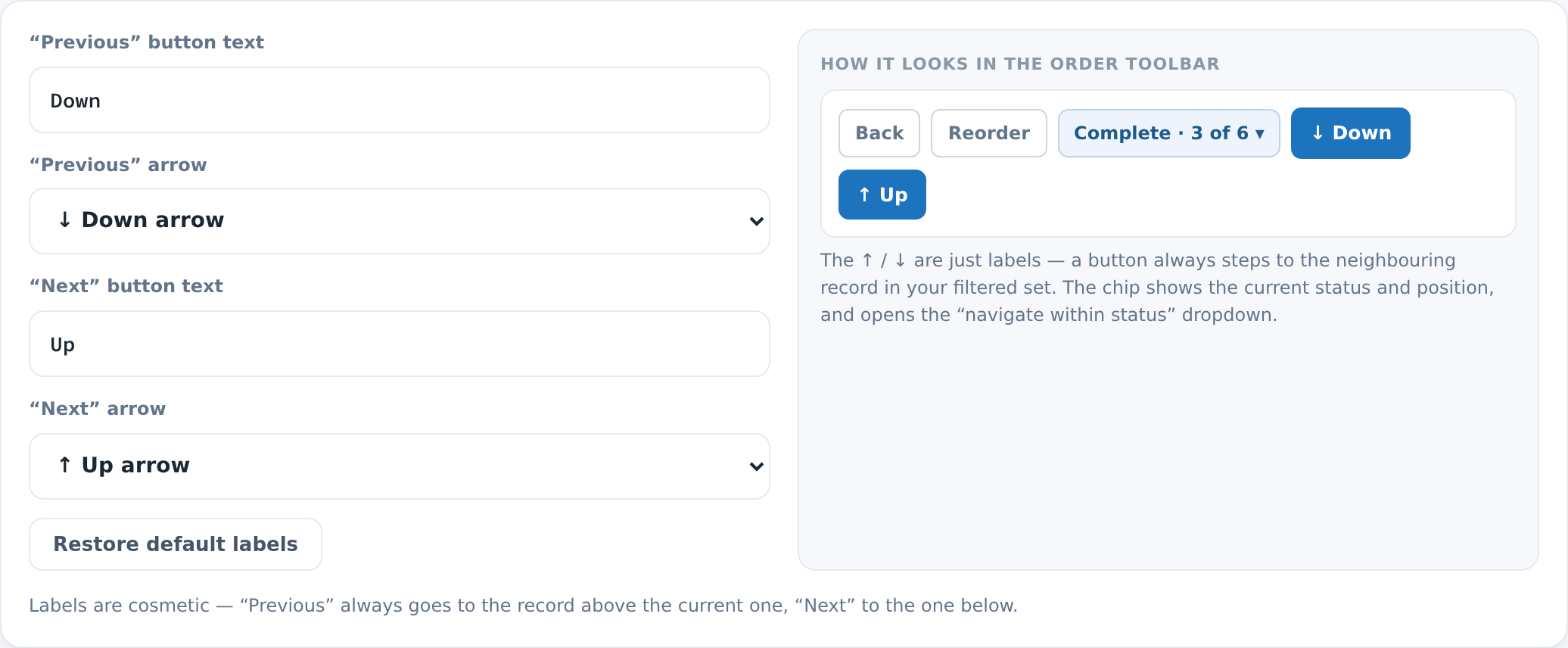
- Rename the buttons and choose each arrow direction (↑ / ↓ / none) — with a live toolbar preview and one-click Restore defaults.
- Turn navigation on or off per area (Orders, Products, Customers).
- Cap how large a set the buttons track, and hide the position chip if you prefer.
- Everything on one clean dashboard under the ModKor menu — no digging through Stores → Config.
Built right — audit & marketplace ready
- No core file edits, full dependency injection, ACL-gated, CSRF-safe.
- Only record IDs are remembered, in your admin session, via one bounded indexed query — it can never break a grid.
- No database tables, no cron, no storefront impact. Uninstall leaves nothing behind.
- Passes
phpcs --standard=Magento2with 0 errors, 0 warnings. Bilingual admin (English + French).
Compatibility
Magento Open Source / Adobe Commerce 2.4.x · PHP 8.1–8.4 · admin-only and theme-independent — works with any storefront theme (Luma or Hyvä). Requires ModKor_Core (ships with the suite).